2026 Tesla Model Y Juniper Walkaround and New Owner Tips
2026 Tesla Model Y Juniper
This is a useful first-watch video for new Model Y owners because it explains the updated Juniper interior and the basic Tesla controls that feel different from a traditional gas vehicle.
Who Should Buy This?
Best for
- New 2026 Tesla Model Y owners
- Shoppers considering a Model Y Juniper
- Drivers coming from a gas vehicle or traditional push-button start car
- Anyone preparing for delivery day
Skip or double-check if
- Owners looking for a deep accessory install review
- Anyone needing official Tesla support documentation instead of an owner walkthrough
Review Scorecard
Install timeNo install needed
Tools neededTesla app or key card A few minutes to get familiar with the controls Official owner manual for feature-specific details
Install difficultyBeginner friendly
FitmentApplies to 2026 Model Y Juniper basics
ValueHigh for new-owner confidence
Would buy again?Owner education video
Pros and Cons
Pros
- Explains basic Tesla operation in plain language
- Helpful for delivery day and first-drive confidence
- Covers interior tech and updated Model Y layout
- Good orientation video for family members or first-time EV drivers
Cons
- Not a replacement for the official owner manual
- Some features may change with software updates
- Not focused on a specific accessory purchase
Quick Take
This video is a practical new-owner walkthrough of the 2026 Tesla Model Y Juniper. It is not just a walkaround of the interior and tech changes. It also covers the basic Tesla ownership steps that can feel unfamiliar the first time you sit in the car.
If you are coming from a gas vehicle, the Model Y can feel different right away. There is no normal start button, many controls are on the center screen, and features like phone key, regenerative braking, and screen-based drive controls may be new.
What This Video Covers
The walkthrough gives new Tesla owners an overview of the updated Model Y, including interior layout, screen-based controls, basic operation, and the everyday flow of using the vehicle. It is especially useful if you are helping a new owner understand how to get in, get moving, and avoid feeling lost.
New Owner Basics
- How getting in and starting a Tesla differs from a gas vehicle.
- How to shift into drive or reverse.
- Where to find important controls on the screen.
- What to expect from regenerative braking and one-pedal driving.
- Why phone key and driver profile setup matter.
Why This Matters
A lot of Tesla frustration comes from unfamiliarity, not from the vehicle being difficult. Once you understand the basic flow, the car becomes very easy to use. But the first drive can be confusing if no one explains the basics.
This kind of walkthrough is useful for new Tesla buyers, family members borrowing the car, and anyone considering a Model Y who wants to know what daily operation feels like.
First Things To Set Up
- Phone key for locking, unlocking, and driving.
- Driver profile, seat position, mirrors, and steering wheel position.
- Bluetooth audio, contacts, and message sync if desired.
- Home charging location and charge limit.
- Navigation preferences and commonly used controls.
Helpful Next Steps
After watching the walkthrough, use the Tesla new owner setup checklist to make sure the important items are handled. The phone key and Bluetooth setup guide is also a good next watch.
If you are still considering buying a Tesla, review the Tesla referral link article before placing an order. Referral benefits can change, but it is worth checking before checkout because referral credit usually cannot be added later.
Final Verdict
This Model Y Juniper walkthrough is a good starting point for new Tesla owners. It helps remove the mystery from the first-drive experience and gives owners a cleaner path into the settings and habits that make the car easier to live with.
Related Reviews
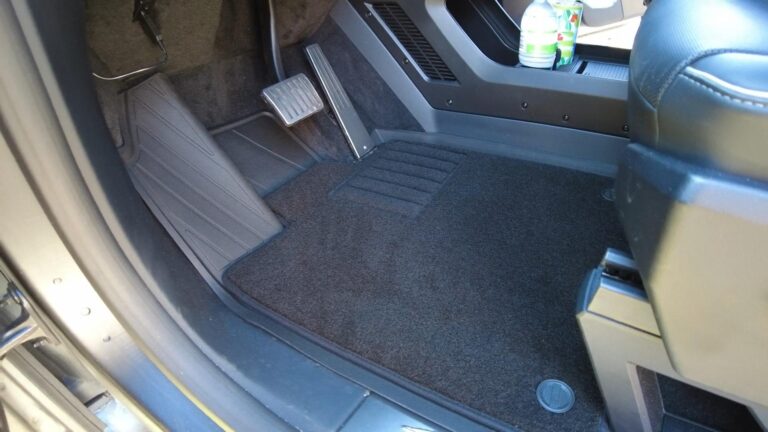
3W Cybertruck Floor Mats Review: Fit, Coverage, and Coupon
Vehicle-specific liners with raised edges and easy-clean coverage for Cybertruck owners who deal with water, dirt, pets, or work use.
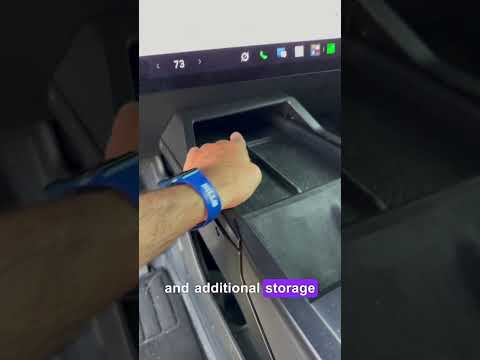
Cybertruck Lower Console Storage Box Review: Fixing Wasted Space
A practical organizer that turns the Cybertruck lower console opening into two cupholders and useful covered storage.

3W Cybertruck Bed Mat Review: This Should Be on Every Cybertruck Owner Shortlist
The 3W Cybertruck bed mat looks factory, fits perfectly, keeps under-bed storage accessible, and dramatically reduces cargo sliding. With coupon…