Tesla Model Y Hands-Free Trunk Setup Guide
Tesla Model Y Hands-Free Trunk Feature
The hands-free trunk feature can be genuinely useful once it is set up correctly, especially when your hands are full and your phone key is active.
Who Should Buy This?
Best for
- Model Y owners using phone key daily
- Drivers who often carry groceries, bags, or gear
- Owners who want to use built-in convenience features fully
Skip or double-check if
- Anyone without supported software or phone key setup
- Owners who prefer manual trunk control
Review Scorecard
Install time5-15 minutes
Tools neededTesla app Phone key enabled Supported vehicle software
Install difficultyEasy setup
FitmentSoftware-dependent
ValueFree if supported
Would buy again?Not applicable, setup feature
Pros and Cons
Pros
- No kick sensor required
- Helpful when carrying groceries or bags
- Uses existing Tesla software and phone key behavior
Cons
- Depends on supported software and setup
- Phone key behavior must be reliable
- May vary by model year or configuration
Quick Take
This guide explains how the Tesla Model Y hands-free trunk feature works and how to enable it. The key idea is that the vehicle can detect the phone key and open the rear trunk without needing a traditional kick sensor.
It is a small feature, but it can be genuinely useful when your hands are full. Groceries, luggage, charging gear, camera bags, and kids gear all make hands-free access feel less like a gimmick and more like a daily convenience.
What The Feature Does
Hands-free trunk access is designed for moments when you walk up to the rear of the vehicle with your phone key and need the trunk to open without pressing the screen, app, key card, or trunk button. The vehicle uses the phone key relationship to decide when to respond.
Because it depends on phone key behavior, Bluetooth, permissions, and proximity, setup matters. If one piece is not configured correctly, the feature may feel inconsistent.
Setup Notes
The video walks through where to find the setting and how to enable it. Before troubleshooting the feature, make sure your phone is already working reliably as a Tesla phone key. The Tesla app should have the permissions it needs, Bluetooth should be enabled, and the phone should be with you when approaching the rear of the vehicle.
When It Is Most Useful
- Loading groceries or shopping bags.
- Carrying luggage or work gear.
- Loading charging cables, tools, or camera equipment.
- Family use when your hands are already full.
If It Does Not Work Reliably
- Confirm phone key works normally for locking and unlocking.
- Check Bluetooth and Tesla app permissions.
- Make sure the setting is enabled in the vehicle.
- Try approaching naturally with the phone on you, not left inside the car.
- Restart the Tesla app or phone if phone key behavior has been flaky.
Related Tesla Setup Help
If you are new to Tesla ownership, start with the new Tesla owner setup guide. It covers phone key, driver profile, Bluetooth, contacts, messages, and audio setup.
If you are still shopping for a Tesla, you can also read our Tesla referral link guide before placing an order.
Final Verdict
The hands-free trunk feature is worth enabling because it makes the Model Y easier to use in normal life. It will not be the reason someone buys the vehicle, but once it is set up correctly, it is one of those small conveniences that makes the car feel smarter.
Related Reviews
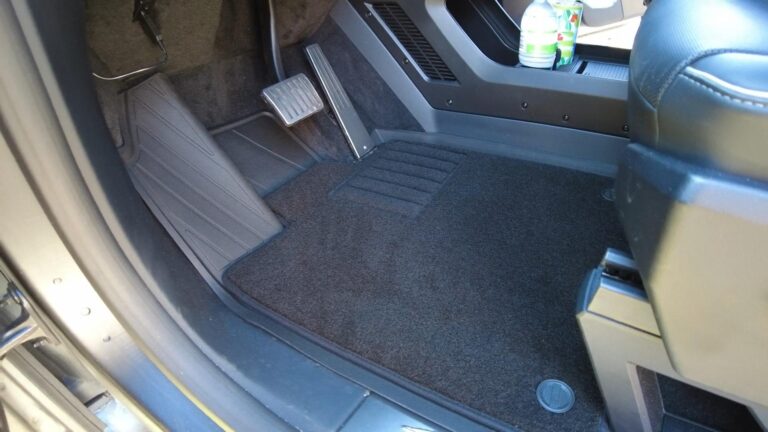
3W Cybertruck Floor Mats Review: Fit, Coverage, and Coupon
Vehicle-specific liners with raised edges and easy-clean coverage for Cybertruck owners who deal with water, dirt, pets, or work use.
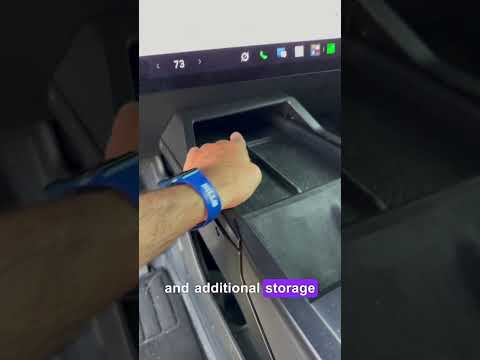
Cybertruck Lower Console Storage Box Review: Fixing Wasted Space
A practical organizer that turns the Cybertruck lower console opening into two cupholders and useful covered storage.

3W Cybertruck Bed Mat Review: This Should Be on Every Cybertruck Owner Shortlist
The 3W Cybertruck bed mat looks factory, fits perfectly, keeps under-bed storage accessible, and dramatically reduces cargo sliding. With coupon…